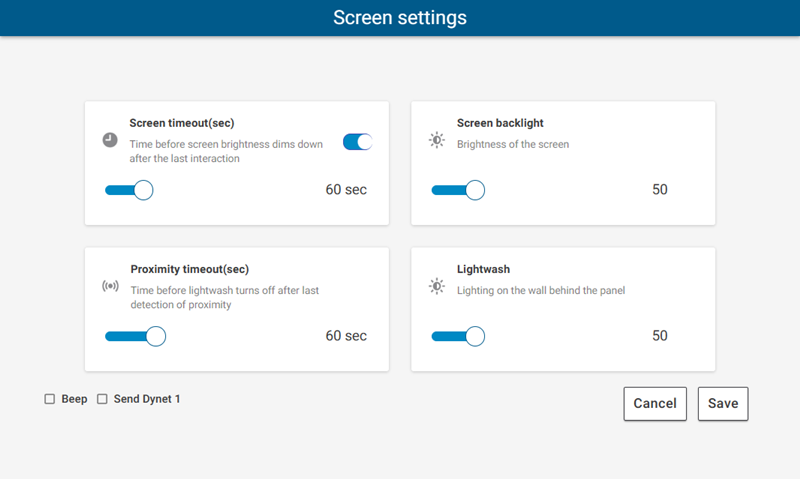
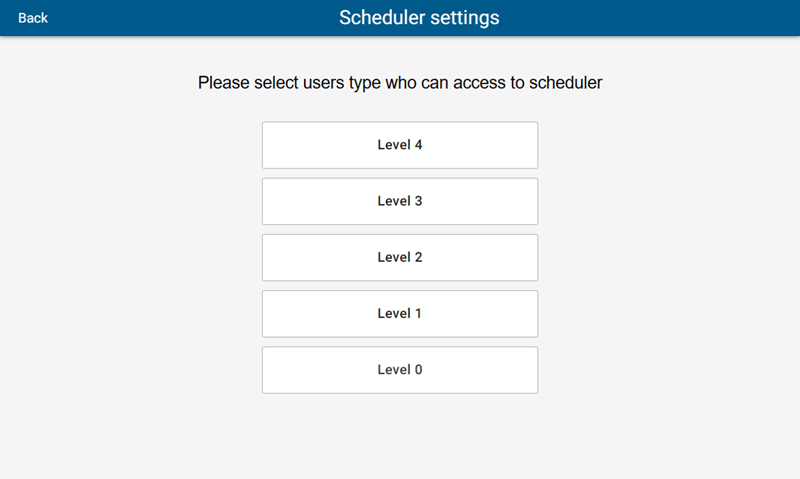
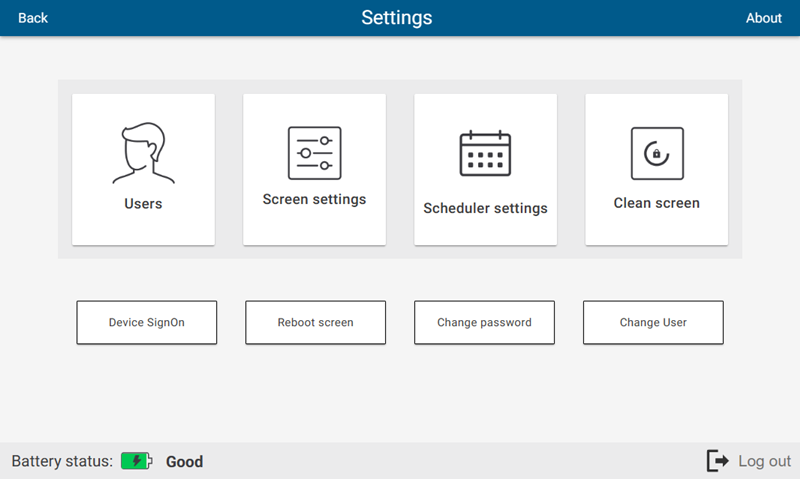
Settings Page
The Settings page includes user management, device configuration, and other useful functions.
| Changes made in Preview mode on your PC are not saved or uploaded to the PDTS. |
The full range of options below is displayed for Admin (level 4) users only - see Settings Page Restrictions.
Tap Clean Screen to lock the screen for 30 seconds, avoiding accidental triggering while wiping the touchscreen.
| The Battery status indicator refers to the onboard battery for the real-time clock, which ensures accurate timekeeping when the PDTS is unpowered. |
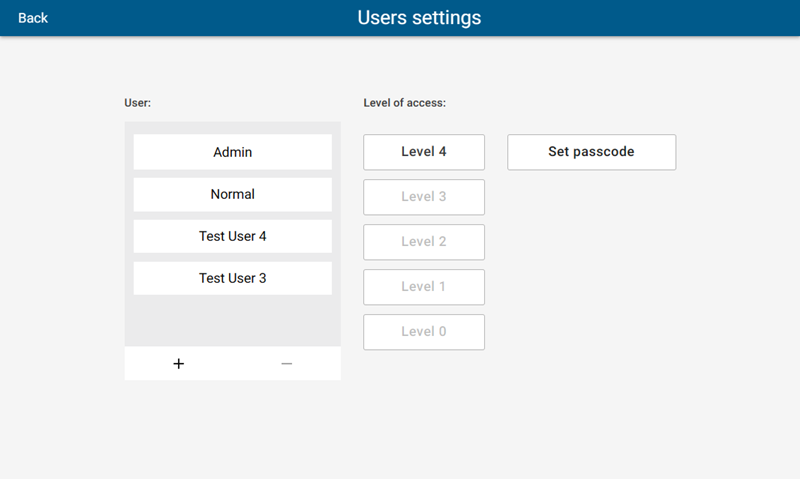
Users
This screen displays all existing users (max 12). Administrators can add (+) new users, and remove (-), adjust Level of access, or Set passcode for existing users.