Floor Plan
This page shows a map of the public area, divided into zones, with icons representing services in each zone.
There are two selectable views:
Service & health
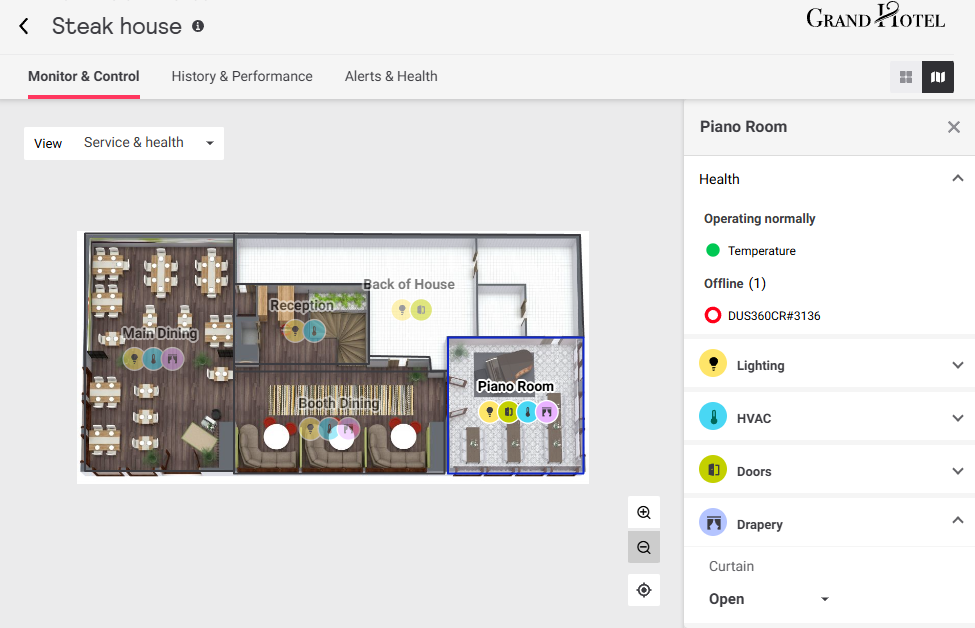
This view displays an icon for each zone’s controllable services:
-
 Lighting
 -
 HVAC
HVAC -
 Drapery
 -
 Doors
Doors
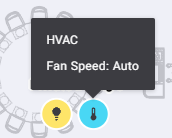
Hover the mouse over a service icon to see its current status.
Click on a zone to select it and open the sidebar.
The sidebar includes expandable tiles with controls for each available service (see Service Tiles), as well as a Health tile that displays operational status alerts for connected devices and DALI luminaires in the zone that may require staff attention.
Click the  /
/  icons to toggle each tile as needed.
Lights & devices
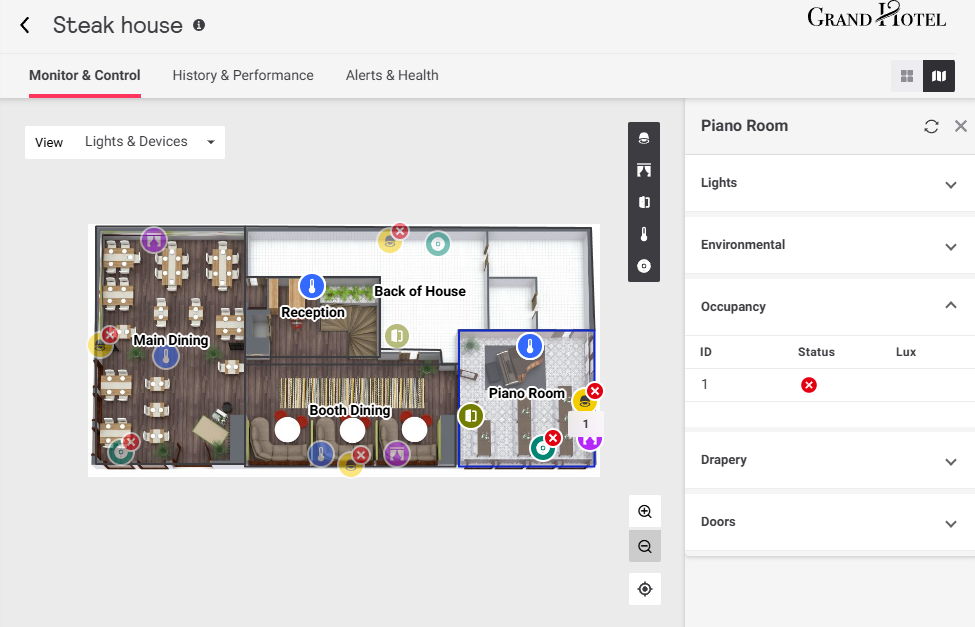
This view displays icons representing the approximate location of light fixtures and sensors in each zone.
-
 Lights
 -
 Environmental (temperature/humidity)
 -
 Occupancy (motion sensor)
 -
 Drapery (open/closed)
 -
 Doors (open/closed)
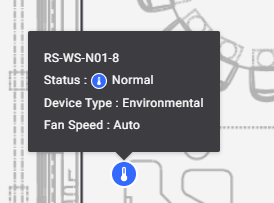
Hover the mouse over a device icon to see its current status.
Click on a zone to select it and open the sidebar. The sidebar includes expandable tiles that show the current status for lights and each device type. Click the / icons to toggle each tile as needed.